Wondershare Video Editor for Mac: A Trial Overview
Wondershare Video Editor for Mac is a trial version software designed for productivity, specifically within the office suites category. This application allows users to edit videos efficiently with a user-friendly interface. It offers a range of features including trimming, merging, and adding effects to videos, making it suitable for both novice and experienced editors. The software is tailored for Mac users, ensuring compatibility and optimized performance.
Top Recommended Alternative
The program supports various video formats and provides options for exporting edited videos in high quality. Additionally, Wondershare Video Editor for Mac includes features such as audio editing, text overlays, and customizable transitions. This trial version allows users to explore its functionalities before making a purchase, making it an appealing choice for those looking to enhance their video editing capabilities.
The Video Editor on Mac that Lets Anyone Impress Everyone.
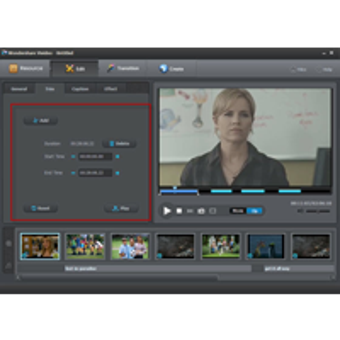
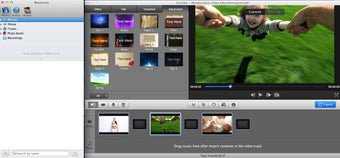
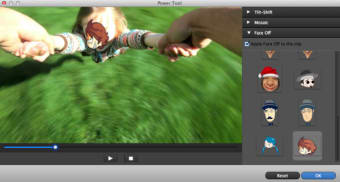
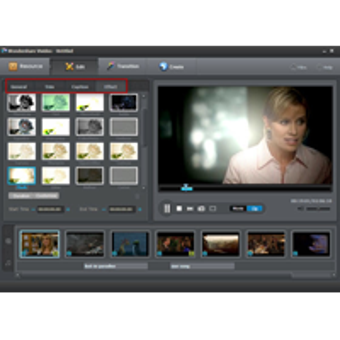
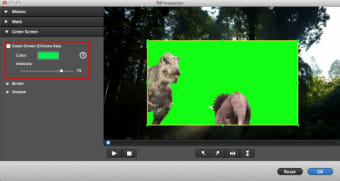
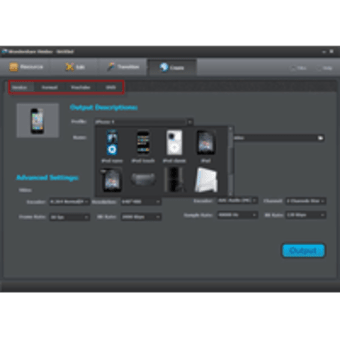
Wondershare Video Editor for Mac is easy-to-use yet power-packed Mac video editing software that lets you effortlessly edit videos to look amazing! It’s easy, utilizing classic editing functions like trim, crop, rotate, and professional extras like stylish title screens, colorful filter effects, transition/motion effects. Also, now take your video even further with special features like intro/credit screens, tilt shift effects, mosaic blur effects, face off and more. When your masterpiece is complete, export it to one of an array of common standard and HD video formats, as well as optimized formats to fit mobile devices. Need to share now? Make them web-ready to upload to YouTube and other sites. What’s more, you can even burn DVD!
In one word, Video Editor as a powerful video editor that enables you to edit home videos like trim, rotate, crop, merge, etc. and personalize your videos with rich text, filter and transition effects for sharing anywhere.
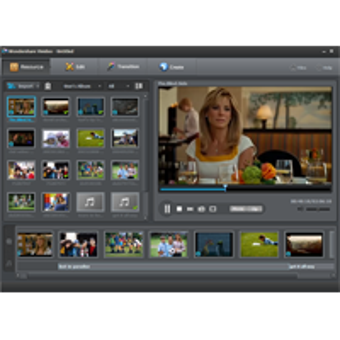
1. Import & edit any common video/audio format & photos<br />
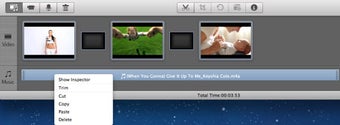
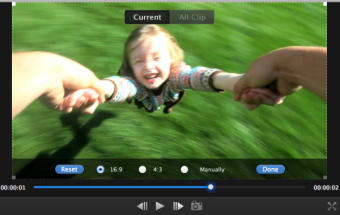
2. Trim, crop, and rotate videos & add voiceovers and background music<br />
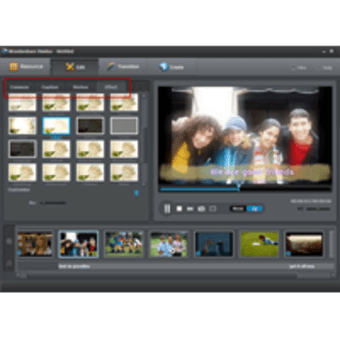
3. Retouch video and photos with rich filters, titles, transitions and animations<br />
4. Personalize by adding intro & credit screens, and effects like tilt shift & mosaic <br />
5. Save videos to your Mac, mobile device or share directly to YouTube<br />
6. Burn edited video to DVD in no time to preserve and share.<br />